


Practical AI Ideas for More Organized Everyday Work
Productivity is not simply about completing more tasks in less time. A useful productivity system should help people identify priorities, reduce unnecessary repetition, organize information, communicate clearly, and maintain appropriate control over important decisions.
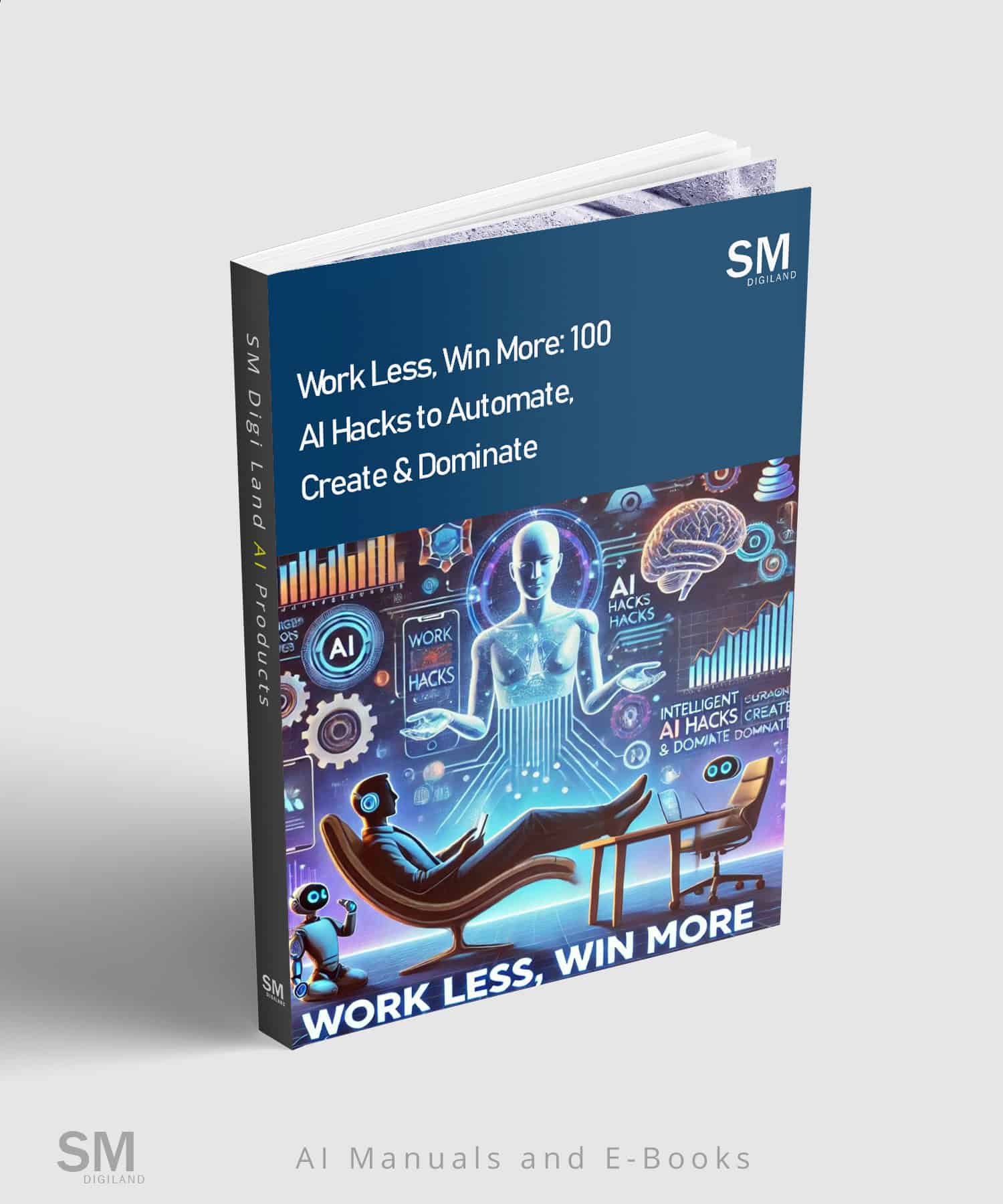
100 AI Productivity Hacks for Smarter Workflows is a 94-page digital guide containing 100 practical ideas for applying AI and automation concepts to common personal, professional, and team workflows.
The guide covers email, scheduling, project coordination, file organization, brainstorming, meetings, notes, focus routines, goal tracking, remote collaboration, reporting, analytics, and work-planning practices. Its ideas can be adapted to different occupations, industries, team sizes, technical abilities, software environments, and working styles.
This is not a promise that AI will automatically save a fixed number of hours or make every user more productive. Actual results depend on the selected task, quality of the information supplied, chosen tools, workflow design, technical setup, review process, frequency of use, individual skills, organizational requirements, and cost of correcting errors.
AI Can Support Productivity—but It Still Requires Human Control
Generative AI can assist with drafting, summarizing, classifying, reorganizing, comparing, brainstorming, and converting supplied information into useful working formats. Automation tools can also help move information between approved systems or trigger predefined actions.
However, an AI system may:
- Invent dates, decisions, quotations, action items, statistics, sources, participants, deadlines, or project details
- Misinterpret an email, meeting transcript, spreadsheet, report, instruction, or business requirement
- Omit important exceptions, dependencies, risks, or responsibilities
- Create confident summaries that do not accurately reflect the original material
- Assign tasks to the wrong person or recommend unrealistic deadlines
- Produce duplicate calendar events, reminders, folders, records, or notifications
- Send an incomplete, inaccurate, confidential, or inappropriate message when connected to an automated workflow
- Modify, move, overwrite, disclose, or delete data if permissions and safeguards are configured incorrectly
- Suggest outdated product features, integrations, prices, subscription requirements, or technical steps
- Generate formulas, calculations, analytics, or performance conclusions that are incorrect
- Turn an observed pattern into an unsupported causal conclusion
- Recommend productivity routines that do not suit a person’s responsibilities, accessibility needs, health, working environment, or employment conditions
AI-assisted work should be treated as provisional. Important information, calculations, messages, decisions, files, schedules, reports, and automated actions require appropriate human verification and approval.
What Is Included?
- 100 practical AI productivity and workflow ideas
- 10 productivity areas covering personal and professional work
- Ideas for reducing avoidable repetition and improving workflow structure
- Applications for email, reminders, scheduling, meetings, notes, projects, and file organization
- Ideas for brainstorming, creative development, reporting, analytics, goal tracking, and focus planning
- Workflow concepts for entrepreneurs, professionals, students, managers, and remote teams
- Examples involving generative-AI tools, automation platforms, digital workspaces, and productivity software
- Approaches that can be adapted to different tools, roles, resources, permissions, and technical abilities
- An English PDF available as an instant digital download
Ten Productivity Areas Covered
1. Email, Scheduling and Reminders
Explore ways to organize incoming messages, prepare draft replies, identify follow-up items, structure schedules, create reminder systems, and convert verified information into provisional calendar entries or task lists.
2. Project Management and Collaboration
Develop clearer project briefs, task structures, status-update formats, responsibility lists, handover documents, progress summaries, and collaborative workflows while preserving human ownership of assignments and deadlines.
3. File Organization and Cloud Workflows
Create folder structures, filename conventions, document indexes, archiving rules, version-control practices, and file-review checklists. Automated changes should be tested on copies before being applied to important files.
4. Brainstorming, Ideation and Creative Work
Use AI to generate provisional directions, compare alternatives, expand early-stage ideas, identify unanswered questions, develop creative constraints, and organize concepts for further human evaluation.
5. Meetings, Notes and Team Communication
Prepare agendas, organize verified notes, draft summaries, extract provisional action items, develop follow-up messages, and create communication templates. AI-generated minutes must be compared with the original meeting record.
6. Focus and Digital-Distraction Management
Develop work blocks, notification-review routines, priority filters, interruption logs, and environment-specific focus plans. These ideas may support experimentation but cannot eliminate distraction or guarantee concentration.
7. Habits, Goals and Personal Planning
Break broad objectives into smaller actions, create review questions, develop progress trackers, identify dependencies, and design flexible routines based on a user’s actual responsibilities and available time.
8. Entrepreneurs and Remote Teams
Organize recurring operating tasks, asynchronous updates, client follow-ups, internal documentation, virtual collaboration, role handovers, and approval processes for small businesses and distributed teams.
9. Reporting, Analytics and Data Review
Structure reports, explain supplied figures, identify missing data, compare defined periods, document assumptions, and prepare decision-support summaries. All calculations and conclusions require verification against reliable source data.
10. Sustainable Work Routines and Personal Development
Explore workload reviews, boundary-setting questions, reflection exercises, learning plans, and work-routine experiments. This material is educational and is not medical, psychological, occupational-health, or employment advice.
Illustrative Workflow Examples
The following examples demonstrate the types of productivity workflows relevant to the guide. They should not be described as excerpts from the PDF unless they are compared directly with the published book.
Example 1: Meeting Follow-Up Workflow
- Provide the AI with an authorized transcript or verified meeting notes.
- Ask it to separate confirmed decisions, provisional ideas, questions, and action items.
- Require direct references to the source material for every important item.
- Have the meeting owner verify names, responsibilities, dates, and commitments.
- Create draft tasks and follow-up messages.
- Obtain human approval before sending messages or adding tasks to a shared system.
Example 2: Controlled Email-Triage Workflow
- Define approved message categories and escalation rules.
- Use sample or non-sensitive messages to test the classification logic.
- Ask AI to flag uncertainty rather than silently guessing.
- Generate drafts without automatically sending them.
- Review recipients, attachments, facts, tone, dates, and confidentiality.
- Enable automation only for low-risk, reversible actions after sufficient testing.
Example 3: AI-Assisted Reporting Workflow
- Export verified data from the appropriate source system.
- Document metric definitions, reporting periods, currencies, filters, and known limitations.
- Ask the AI to identify missing or inconsistent values before analysis.
- Require calculations and formulas to be shown.
- Separate observed results from hypotheses and recommendations.
- Have a qualified person verify the report before distribution or decision-making.
Who Is This Guide For?
- Professionals managing recurring administrative work
- Entrepreneurs and small-business owners
- Managers and team coordinators
- Freelancers and independent consultants
- Remote and hybrid teams
- Project and operations professionals
- Marketing, content, sales, and customer-support teams
- Students organizing study and research workflows
- Creators developing repeatable production processes
- People exploring practical uses of AI and automation
How to Use the Ideas Effectively
- Select one repetitive or poorly organized task with a clearly defined outcome.
- Document the current process before introducing AI or automation.
- Identify which steps require judgment, authorization, confidentiality, or specialist expertise.
- Choose an idea that matches the actual task, available tools, and technical ability.
- Use accurate information and clearly define the expected output.
- Ask the AI to identify uncertainty and missing information instead of inventing details.
- Test the workflow with fictional, sample, or non-sensitive data.
- Compare the output with the original information and approved requirements.
- Measure setup time, review time, error rate, correction effort, cost, and actual time saved.
- Maintain backups and a manual recovery procedure.
- Use the minimum permissions required for connected applications.
- Keep human approval before sending, publishing, deleting, purchasing, scheduling, or modifying important information.
- Review the workflow whenever a tool, integration, policy, team responsibility, or business process changes.
Product Details
- Title: 100 AI Productivity Hacks for Smarter Workflows
- Format: PDF digital guide
- Length: 94 pages
- Language: English
- Number of ideas: 100
- Areas covered: 10 productivity and workflow areas
- Delivery: Instant digital download after purchase
- SKU: SMDL-OTH-001
- Price: $15
Important Information About AI and Automation
Generative-AI systems can produce inaccurate, incomplete, outdated, biased, misleading, or fabricated output. Users must independently verify information before relying on it in professional, academic, financial, technical, operational, or personal contexts.
Do not upload confidential business information, personal data, customer records, employee information, private messages, meeting recordings, passwords, API keys, contracts, unpublished files, or restricted datasets unless you are authorized to do so and have reviewed the selected provider’s privacy, security, retention, and data-use terms.
Automation can amplify both correct and incorrect instructions. A configuration error may create repeated actions, incorrect messages, duplicate records, unwanted charges, data loss, missed deadlines, or disclosure of sensitive information. High-impact or irreversible actions should not be fully automated without appropriate testing, permissions, monitoring, approval controls, backups, and recovery procedures.
Tool interfaces, features, prices, integrations, APIs, limits, subscription plans, privacy practices, and availability can change. Instructions in a static PDF may therefore become outdated.
References to third-party products are descriptive only. Separate accounts, subscriptions, API access, usage credits, permissions, licenses, and technical configuration may be required.
Productivity outcomes vary. Time spent selecting tools, configuring integrations, reviewing AI output, correcting errors, maintaining workflows, and training users may exceed the time saved in some situations.
What This Product Is—and Is Not
This product is a downloadable educational guide containing practical ideas for AI-assisted productivity, workflow design, task organization, and responsible automation.
It is not an AI subscription, automation service, software application, integration, API, consulting service, managed workflow, project-management platform, cloud-storage service, meeting assistant, analytics system, cybersecurity assessment, privacy audit, medical resource, employment service, or guarantee of improved performance.
The purchase does not include access to ChatGPT, Zapier, Notion, Google Workspace, Microsoft 365, Slack, project-management software, cloud-storage platforms, APIs, plugins, automation credits, or other third-party services.
This product is independently created and is not affiliated with, sponsored by, certified by, or endorsed by OpenAI, Zapier, Notion, Google, Microsoft, Slack, or another AI, software, or productivity provider. Product and company names belong to their respective owners.
The book does not guarantee a specific number of hours saved, reduced workload, fewer errors, improved focus, better grades, increased revenue, improved employee performance, successful automation, professional advancement, better health, or improved work-life balance.
Frequently Asked Questions
Does the guide contain exactly 100 productivity ideas?
The product is presented as containing 100 AI productivity and workflow ideas organized across 10 practical areas.
Will these ideas automatically save me time?
No. Results depend on the task, tools, setup, input quality, technical ability, review requirements, workflow frequency, and cost of correcting mistakes. Users should measure actual time saved rather than assume improvement.
Does the PDF automate my tasks?
No. It is an educational digital guide. It does not connect to accounts, configure software, execute workflows, send messages, move files, create calendar events, or perform actions on the user’s behalf.
Are the featured AI and productivity tools included?
No. Third-party accounts, subscriptions, integrations, APIs, credits, licenses, and technical configurations are not included.
Do I need technical experience?
Some ideas may be suitable for beginners, while others may require familiarity with automation platforms, application permissions, APIs, data structures, or workflow testing. Requirements vary by use case.
Can I use the ideas with free AI tools?
Some ideas may be adapted to free plans, but functionality, usage limits, file support, integrations, data controls, and availability vary. Certain workflows may require paid plans or additional services.
Can AI summarize my meetings accurately?
AI can prepare provisional summaries from supplied material, but it may omit, misinterpret, or invent information. Names, decisions, dates, quotations, responsibilities, and action items must be checked against the original record.
Can I automate emails and calendar events?
Potentially, with suitable third-party tools and permissions. Begin with draft-only or approval-based workflows and test carefully before allowing automatic sending or scheduling.
Can I upload confidential work documents?
Only when authorized and after reviewing organizational policies and the selected provider’s privacy, retention, security, and data-use terms. Sensitive information should not be uploaded merely for convenience.
Can the guide improve employee productivity?
It can provide workflow ideas, but cannot guarantee employee performance. Workplace implementation should consider employee roles, consultation, privacy, accessibility, monitoring rules, security, and applicable employment requirements.
Does the wellness section provide health advice?
No. Any work-routine or personal-development content is educational and does not replace medical, psychological, occupational-health, or other qualified professional advice.
Will every instruction remain current?
No. AI tools, interfaces, pricing, features, integrations, APIs, and policies change. Users must verify current requirements directly with the relevant provider.
Is this a physical book?
No. It is a 94-page English PDF delivered digitally. No physical product will be shipped.
Start with One Workflow and Measure the Difference
Choose one recurring task, establish its current time and error rate, test a relevant AI-assisted approach with non-sensitive information, and compare the result carefully.
Download the 94-page guide and adapt its 100 ideas to your responsibilities, tools, permissions, technical skills, security requirements, review process, and working environment.


